Lumion 3D Pro 5.0 Video learning |
 Lumion 3D Pro 5.0 Video Tutorial English | 38 tutorial videos | 2013-11-29 | mp4 | H264 1280×720 | AAC 1 ch 64 kbps | 2.75 hours
A Practical Lumion Training Course That Teaches Real World Skills
In this project-based Learning Lumion 3D video tutorial series, you’ll quickly have relevant skills for real-world applications. Follow along with our expert instructor in this training course to get: Practical working files further enhance the learning process and provide a degree of retention that is unmatched by any other form of Learning Lumion 3D tutorial, online or offline… so you’ll know the exact steps for your own projects. In this Lumion 3D training course, expert author Brian Myers will teach you essential skills needed to work in this rendering software for visualizing design and architectural concepts. This course is designed for the absolute beginner, meaning no prior experience with Lumion is required. In this training course, you will follow along with Brian as he shows you how to develop a commercial and residential project. You will start out by creating the commercial project, and cover topics such as importing and updating a 3D model, adjusting glass properties, adding people to a scene, duplicating objects, adding interior and exterior lighting, and many others. Next, you will learn to create a residential project, covering topics including creating mountains, lakes, and rivers, adding trees and buildings, adjusting the sun and clouds, creating fire, adding fog and rain, among others. By the completion of this video based Lumion 3D training course, you will be fully capable of creating your own commercial and residential projects using Lumion. Working files are included, allowing you to follow along with the author throughout the lessons. Contents Screenshots:
   |
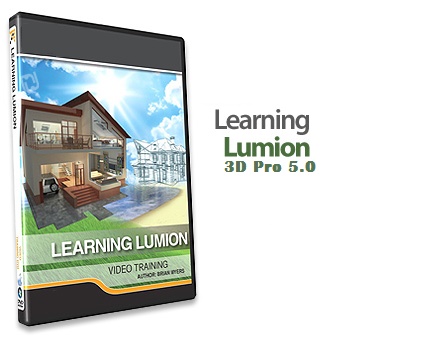
Lumion 3D Pro 5.0 Video Tutorial
1,000.00৳
Delivery system
===============
Face to face from our office
Download from Dropbox link
Courier Service
Payment system
==============
Face to Face
bkash-01716197088
Contact
========
01919197088
01716197088-bkash
01552551768-office
qrtzcom@gmail.com
www.quartzbd.com
www.facebook.com/quartz.bd


Reviews
There are no reviews yet.